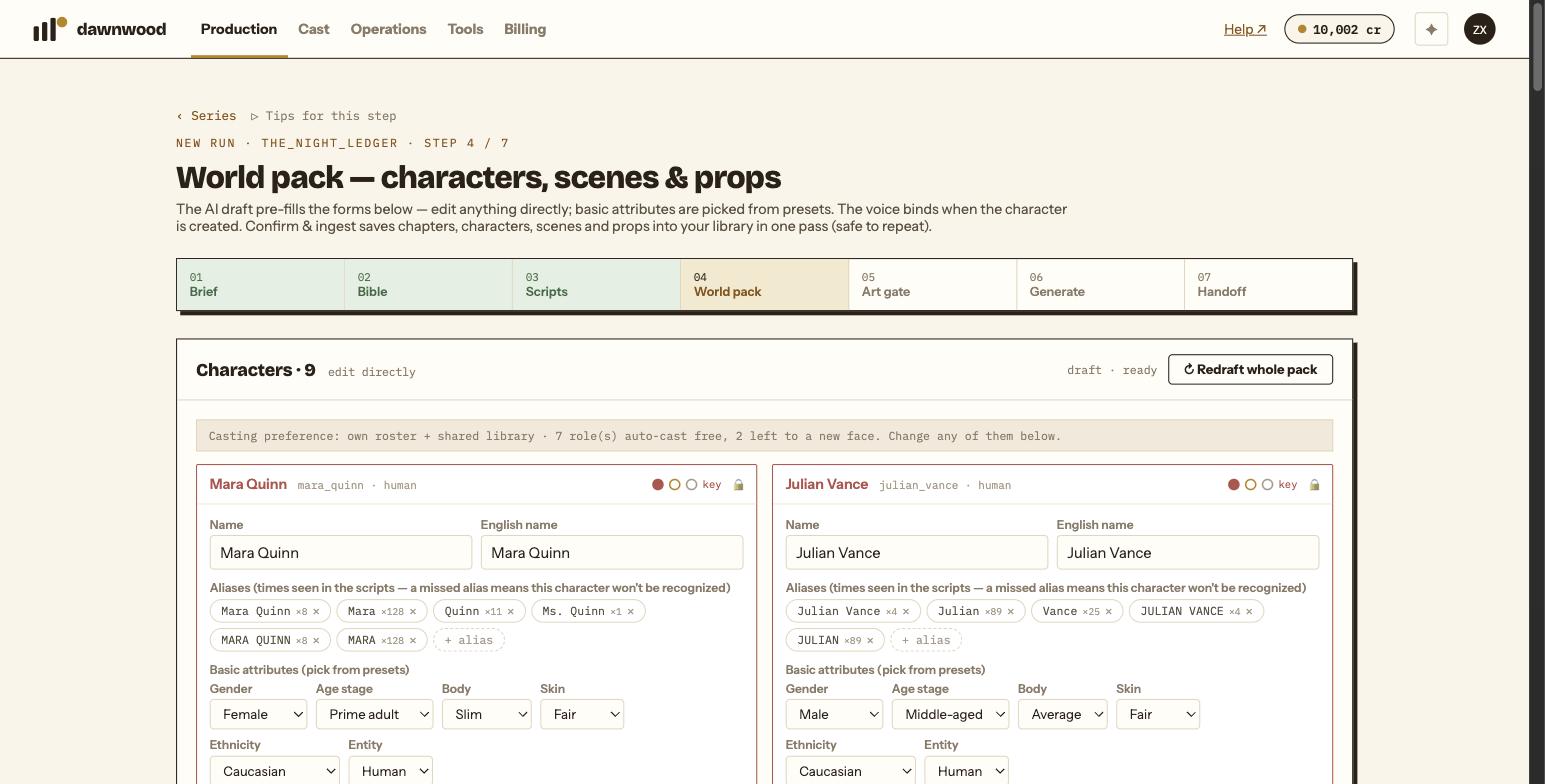
Short answerThe dots are importance. Red is a key role that drives the plot and cannot be removed; demote it to support first if you really want it gone. Deleting a character keeps its props as story clues rather than deleting them.
The three dots
Every character card on the world pack step carries three dots. Hover them and the tooltip reads: red is key (drives the plot, undeletable), amber is support, grey is minor. A key character's card border and name are tinted red so you can see the load-bearing cast at a glance.
Importance is set by the draft from how much a character carries in the scripts, and you can change it on the card while the pack is still editable.
Why key roles are locked
Removing a character who appears in eight of ten episodes breaks the scripts, the storyboards and every scene they stand in. Instead of letting that happen and failing later, the card shows a padlock: Key role, drives the plot, cannot be removed; demote it first. Demote the character to support and the ✕ appears. Think twice: the scripts still mention them.
What happens to their props
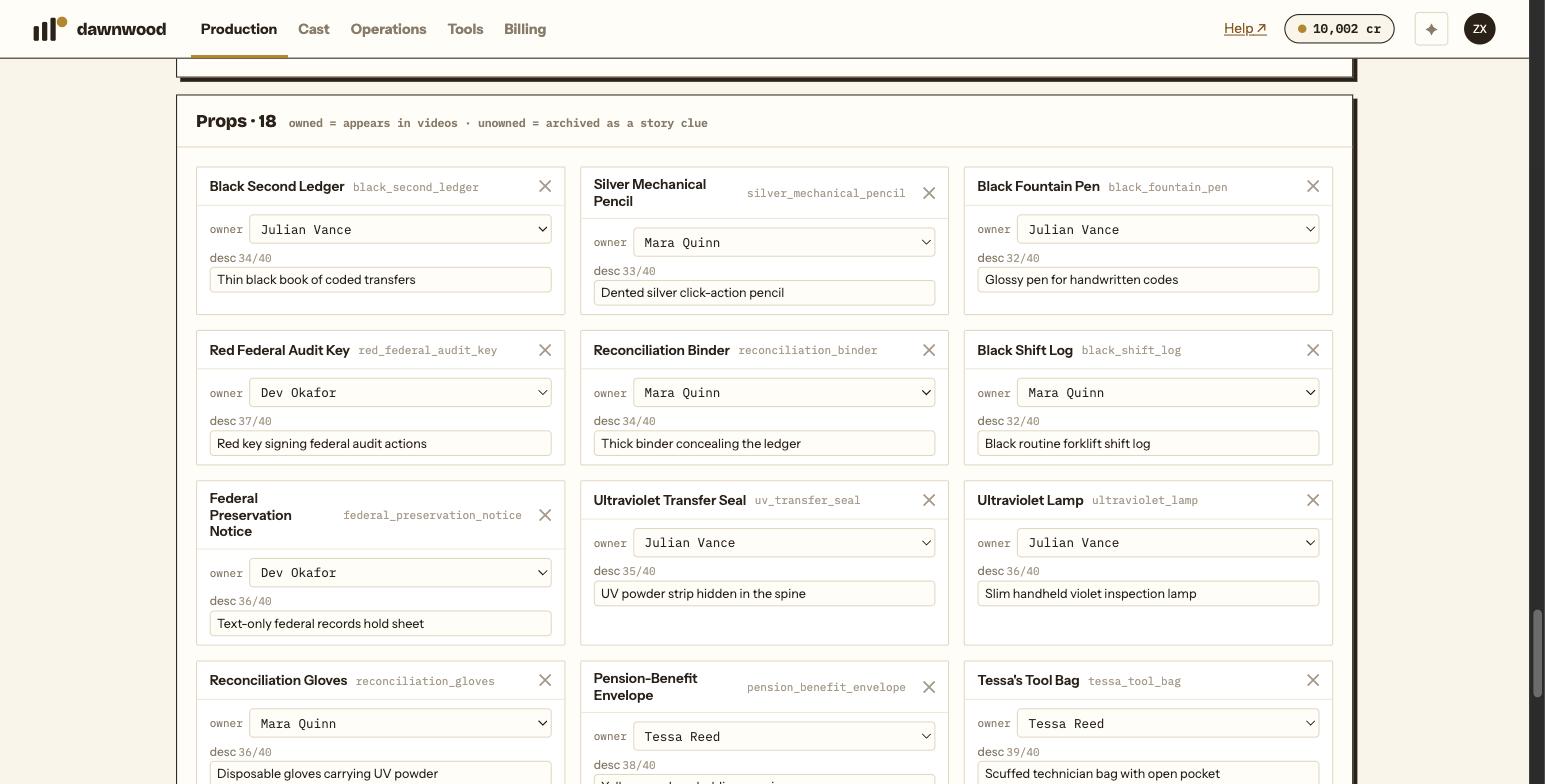
When you remove a support or minor character who owns props, the confirmation says how many props become clues. Their props are not deleted. They lose their owner and become clue props, which are archived as story references and do not appear in videos. If a prop should keep appearing on screen, give it a new owner from the prop card's owner dropdown.
The character's voice entry is dropped with the card.
After Confirm & ingest
Once the pack is committed, the cards become read-only and the delete buttons disappear. Characters, scenes and props now live in your library, and changes to them are made from the Cast page or by the Line Producer during production rather than in the wizard.
Redrafting the whole pack
Redraft whole pack replaces every card, including your manual edits. It is only for a draft that is wrong from top to bottom.
Still stuck? Email support@dawnwood.ai with your account email, the series, the episode and the segment or group — see what to include.