Short answerRefresh once; every page rebuilds from the server and nothing is lost. The browser's back and forward buttons move between steps and episodes within the console. A render that shows no progress for more than ten minutes is worth a look at the activity log.
Refresh is always safe
Wizard state, storyboards, takes and posts live on the server; the page only mirrors them. If a number does not move, a lamp stays amber, or a panel shows something you know has changed, reload the page. You will land exactly where you were: the address bar carries the series, the episode and the step.
Two cases where a refresh is expected: after a storyboard was changed outside the page (for example by the Line Producer while you had the storyboard open), and after a plan change, which settles through the payment provider a few seconds after you confirm.
Back and forward
The episode page pushes each step change (Script, Render, Review) and each episode change into the browser history, so the back button returns you to the previous step or episode rather than leaving the console. Forward works the same way. If back once took you out of the console entirely, that was a bug fixed in September 2026; refresh to load the current version.
Is the render actually stuck?
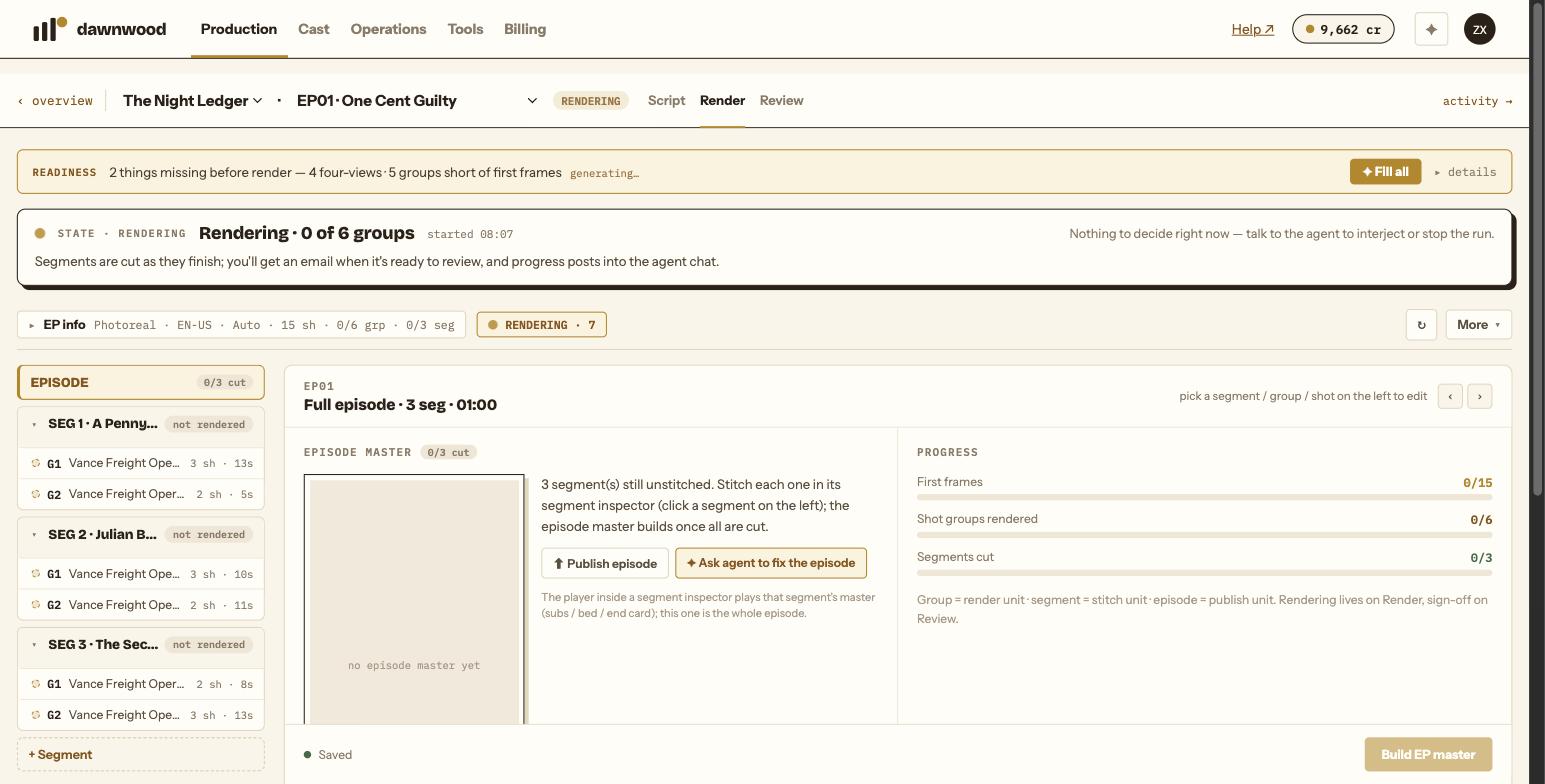
- Rendering runs on our side; closing the tab does not stop it. Progress polls every few seconds while a run is active.
- A group can wait in a queue while another renders. Your plan sets how many render at once.
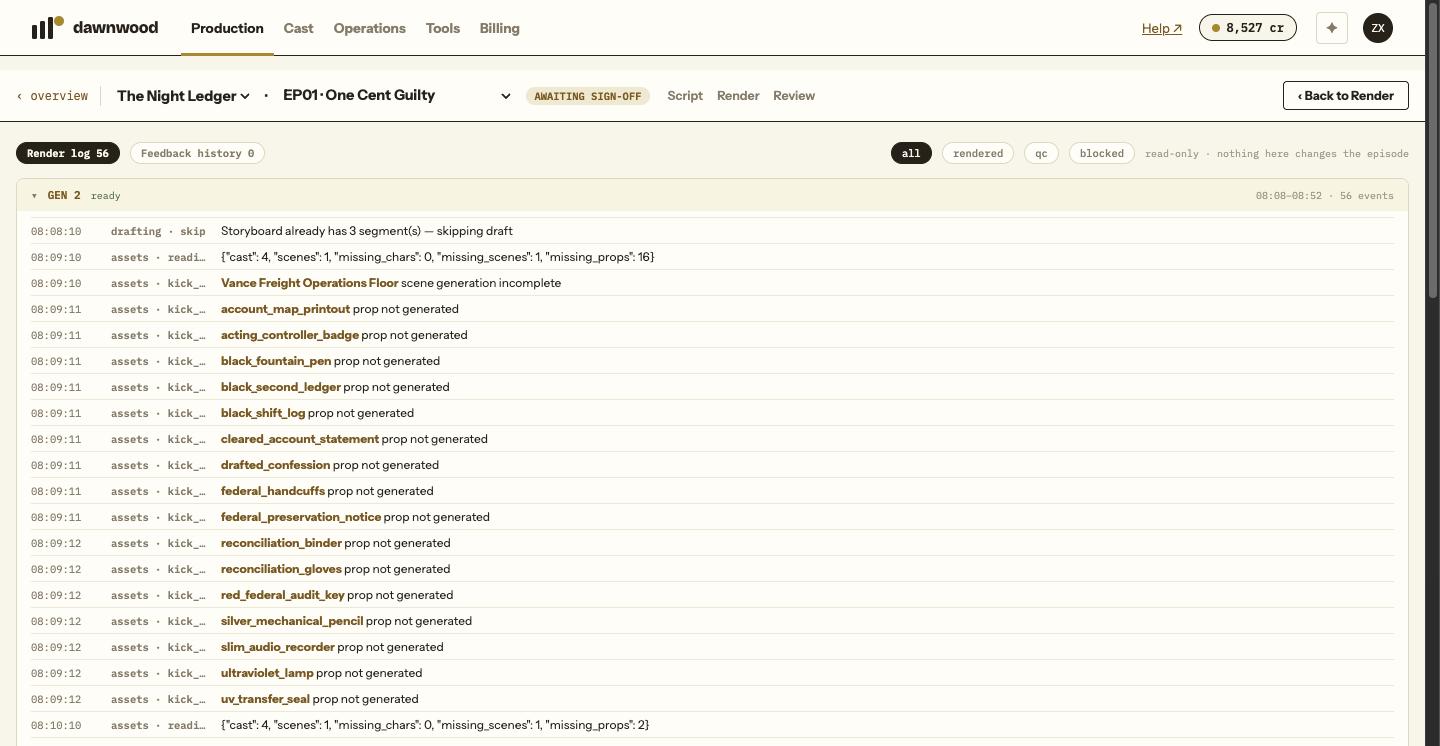
- Open activity → on the episode page for the render log. A run that has not started says the pipeline picks up within about a minute. Rows show each phase and action with a time stamp; a blocked generation names the reason, usually credits.
- Nothing logged for more than ten minutes on an active run: write to support with the series and episode. Do not click render again in the meantime; the run resumes from where it stopped once the cause is cleared.
The video player shows nothing
Segment cuts and masters are large files. Give the player a few seconds; if it stays black, refresh the page and press play again. On a slow connection, the Episodes panel's download links are a reliable way to watch a finished cut.
Still stuck? Email support@dawnwood.ai with your account email, the series, the episode and the segment or group — see what to include.