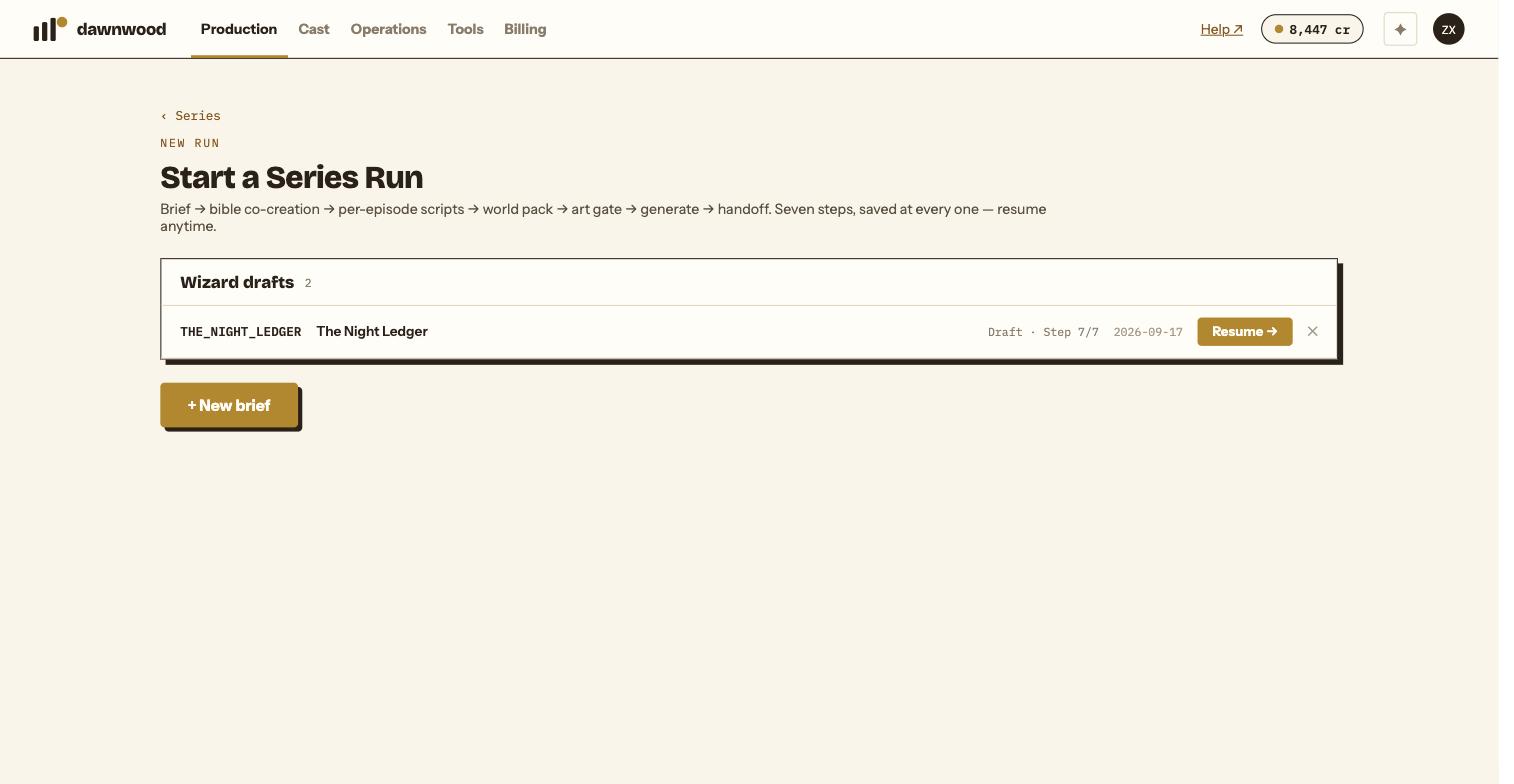
Short answerThe episode page's activity → link opens the render log and your feedback history for that episode. Billing holds every charge with its series and episode. Operations › Channels holds the publishing history. Draft runs are listed in Production as Draft · Step N/7.
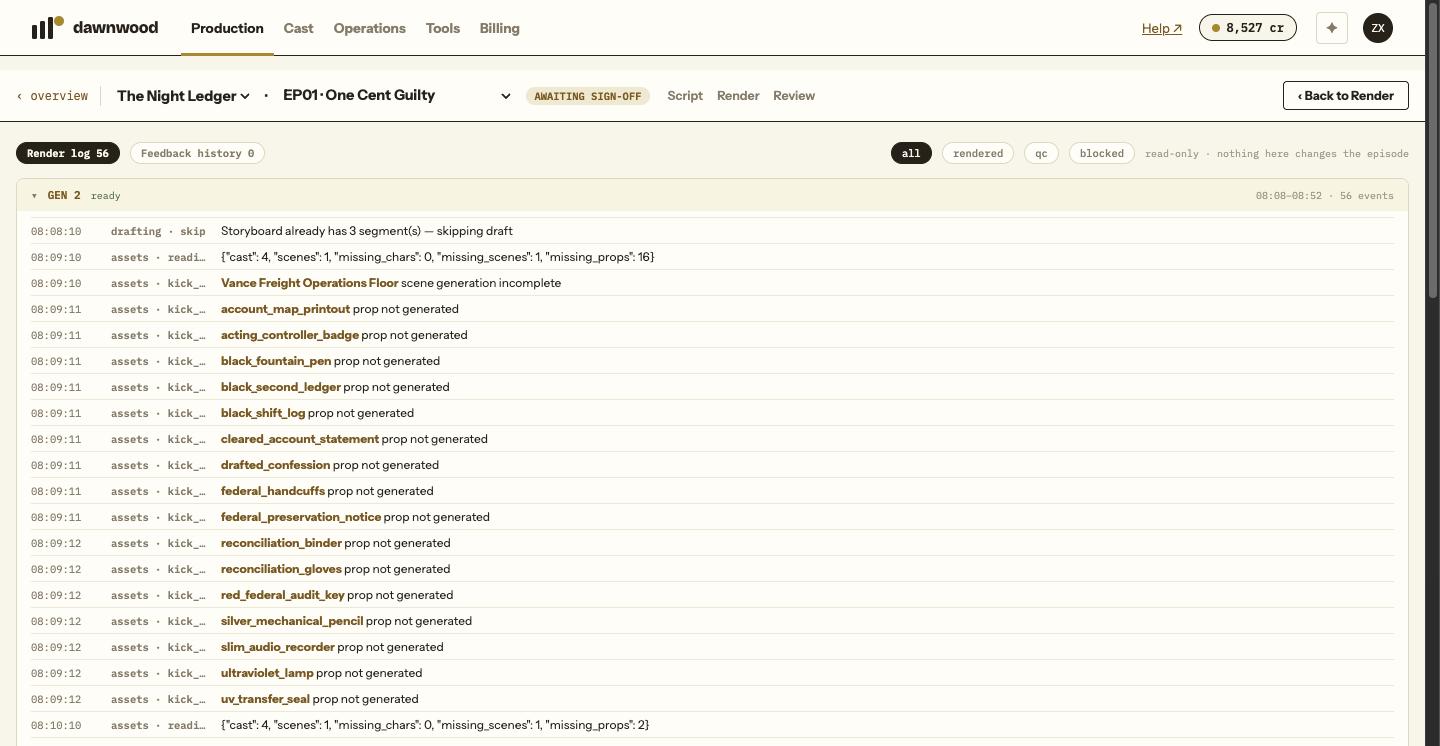
Per episode: activity
On the episode page, activity → (also history → on the Review page) opens a read-only page with two views:
- Render log: grouped by generation, newest expanded. Each row is a time, a phase and action, the target group or shot, the detail and any QC verdict, with an open G2 → link back to that group. Filters: all, rendered, qc, blocked.
- Feedback history: every message you sent the Line Producer about this episode, with the first line of its reply.
It refreshes every five seconds while the run is active. Nothing on it changes the episode.
Per account: Billing
Billing lists every charge, refund and grant with the series and episode, and totals per series and per episode. See reading your usage.
Publishing: Operations
Operations › Channels is the queue of every post, scheduled, published or failed, per series and channel. Operations › Performance holds views and engagement per post. Operations › Deliveries lists what has been built for download.
Unfinished wizards
A run you started but did not finish appears in Production as Draft · Step N/7 with Continue wizard →. The wizard reopens at the step you left, from the server's copy. The small ✕ on a draft abandons it after a confirmation.
Versions of the writing
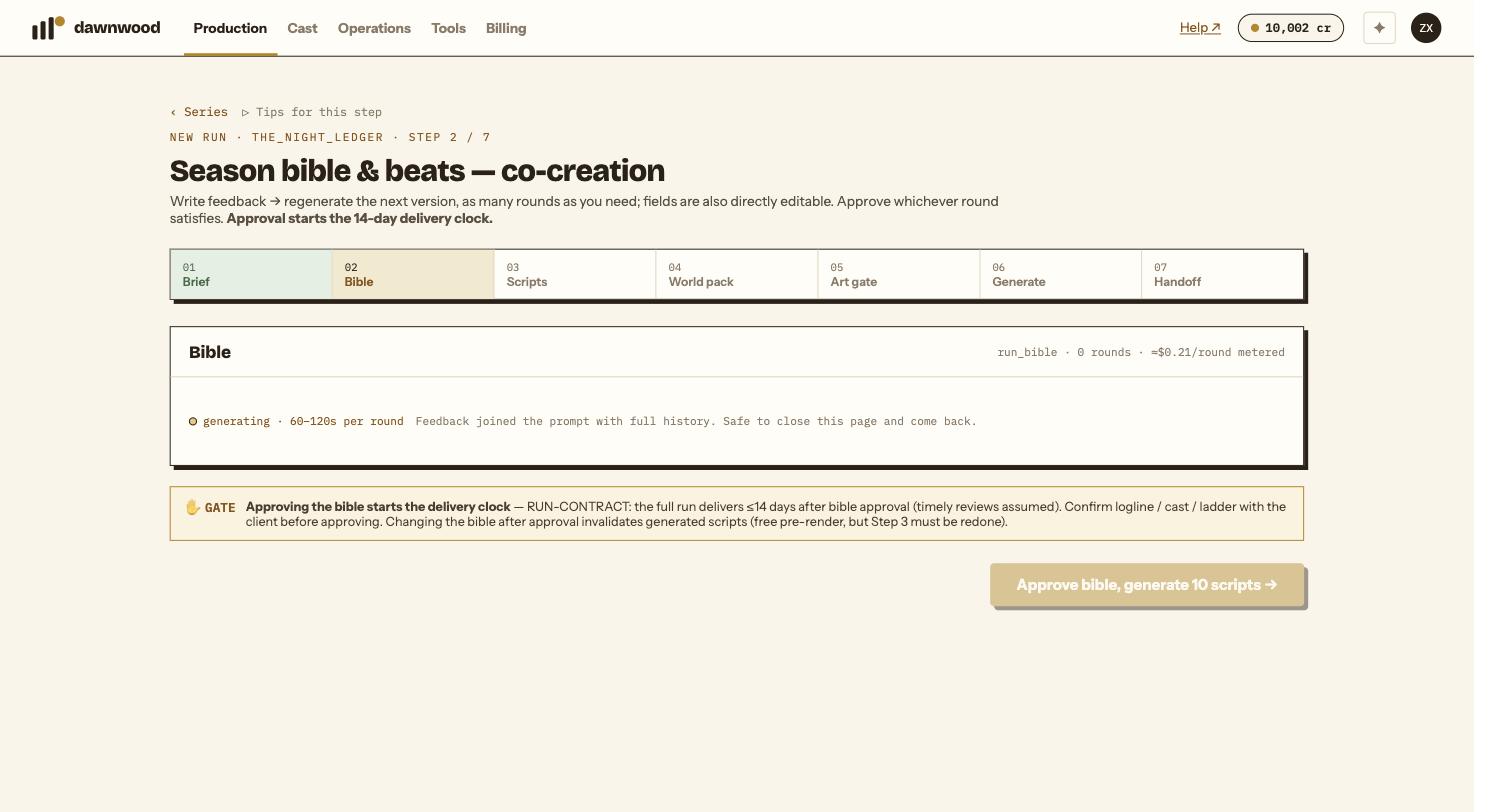
The bible step keeps every version as chips (v1 v2 …) with a diff against the previous version; each episode on the scripts step keeps its versions the same way. Nothing is overwritten.
Still stuck? Email support@dawnwood.ai with your account email, the series, the episode and the segment or group — see what to include.