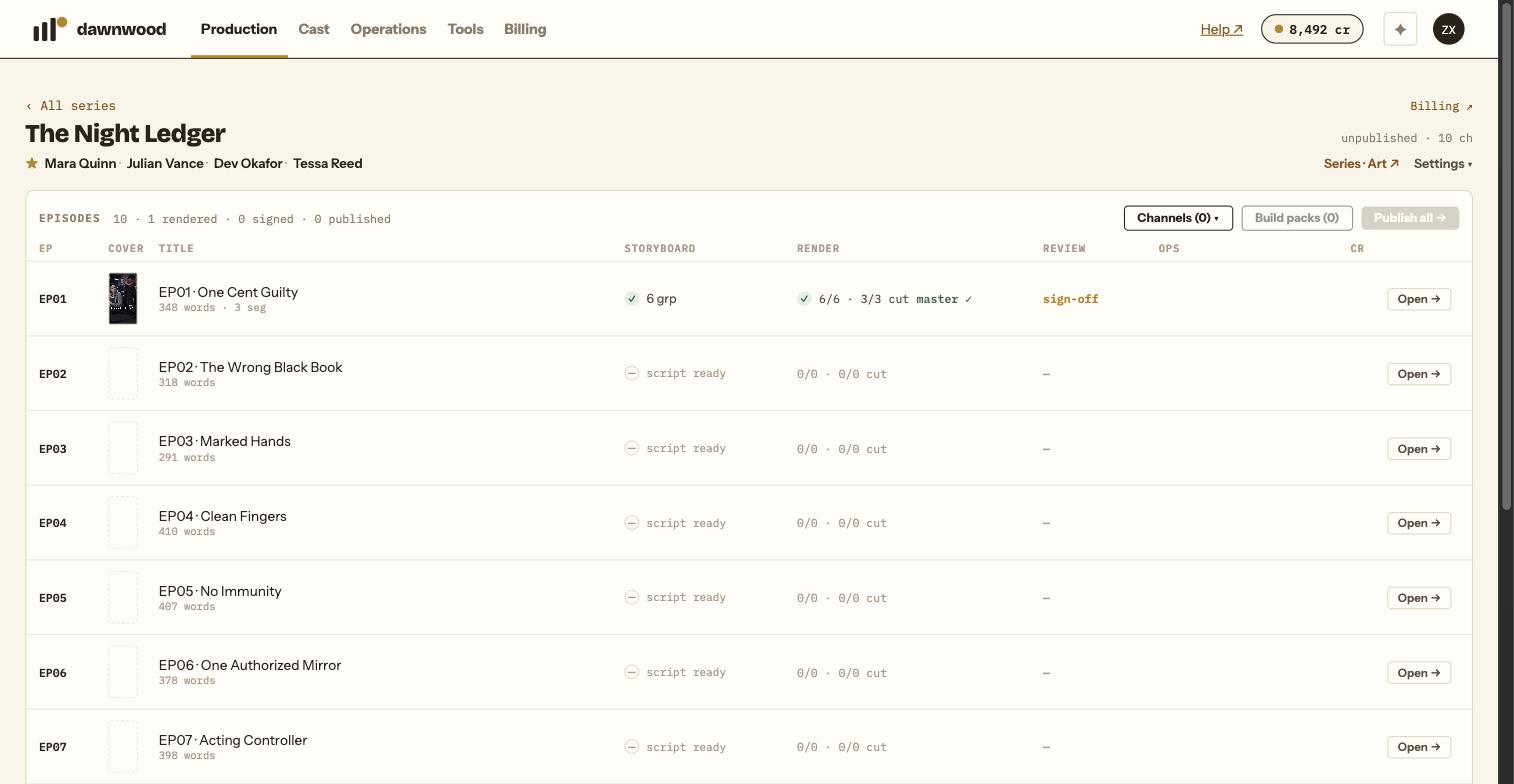
Short answerA cover is drafted when the episode starts rendering, re-shot from the finished cut when the master lands, and finalised at sign-off. Its hook line is written from the script in the series language. Redo it from the Episodes panel with regen cover, billed as one art re-roll (5 cr).
Three moments a cover is made
- When the episode starts rendering. A first cover is drafted from the storyboard's scene art and this episode's costume references. If your balance is too low the cover is skipped; it never blocks the render.
- When the episode master lands. The cover is re-shot from the finished cut, so it shows what the episode actually looks like.
- At sign-off. Signing off produces the cover used for publishing. If it cannot be made, the sign-off still succeeds and the Episodes panel shows ⚠ cover failed with the reason.
The first draft and the sign-off cover are each billed as one art re-roll (5 cr); the re-shoot from the finished cut is free.
Where the words on it come from
The cover writer reads the episode's script and cast list, not the episode title, and drafts the scene, the hook and who is in frame. The hook is written in the series language (up to about 40 characters, or 16 for Chinese works) and is meant to read like a line of that language, not a translation. The lead is face-locked to their character anchors, which is why covers wait for anchors to exist.
The series-level cover, used on the show page, is different: iconic key art with a premise-level hook.
Redoing a cover
In Production › Episodes, a signed-off episode with a cover shows regen cover. The confirmation says it plainly: the new cover replaces the one used at publish, and it is billed as one art re-roll (5 cr). While it is being made the row shows cover….
You can also ask the Line Producer: "redo the cover for EP 2, the lead should be in Ming attire and there should be no text on the image". It uses the same tool and the same price.
Covers for several episodes at once
The Line Producer can estimate and generate covers for every episode that lacks one, at 5 cr each. Two things block it: episodes whose scripts are not all approved, and characters whose anchors have not finished. It will tell you which.
Publishing uses the cover hook
When you publish, the cover hook is the default caption for YouTube, Facebook and Instagram, and the default title for the episode. You can override it in the publish form; see connecting accounts and publishing.
Still stuck? Email support@dawnwood.ai with your account email, the series, the episode and the segment or group — see what to include.