Short answerApproval starts script writing and the 14-day delivery window. You can still change the bible later; before anything downstream exists, a change sends you back to redo scripts for free, and once scripts are approved or the pack is committed the bible becomes a living reference and nothing is undone.
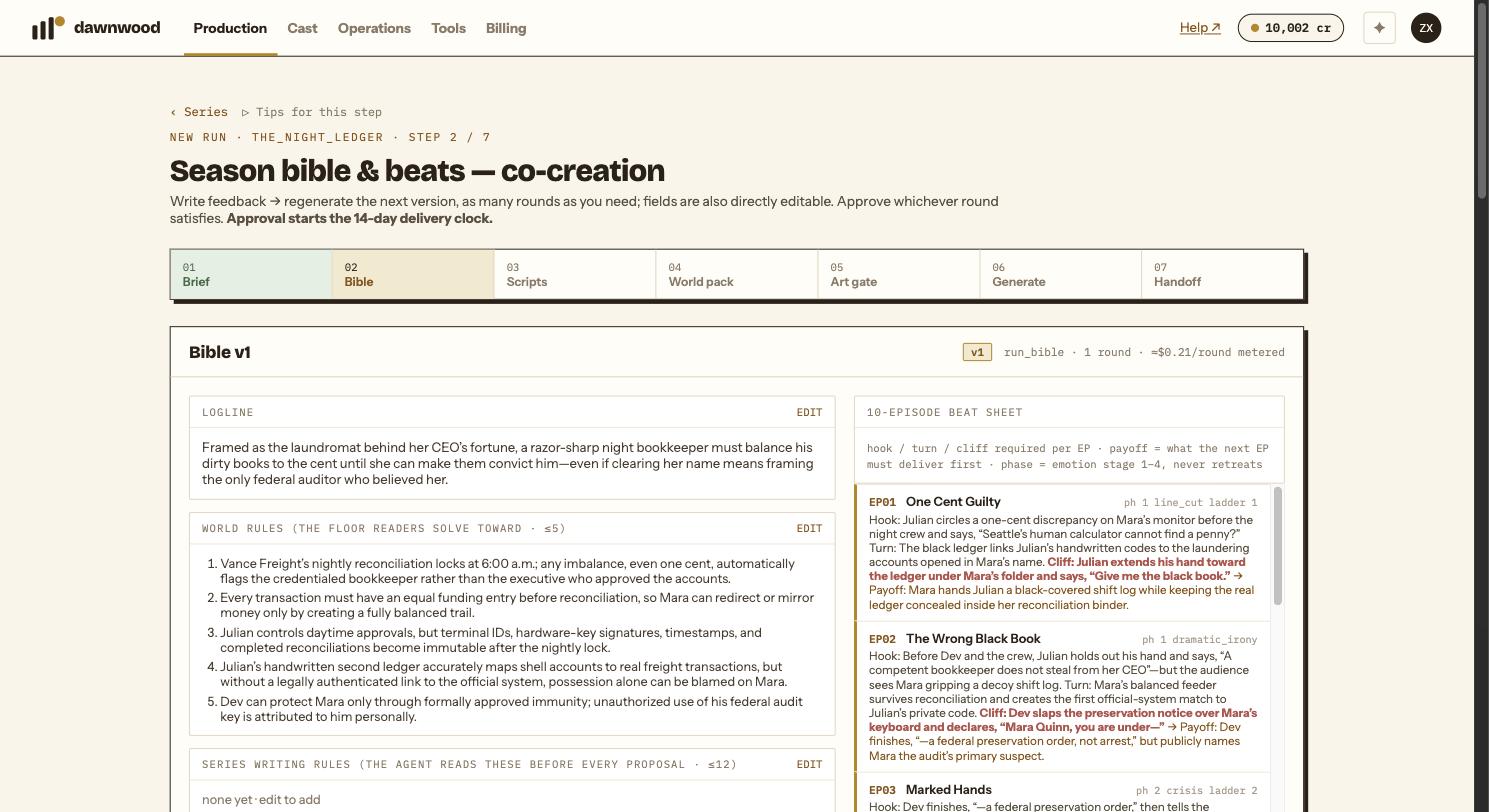
What happens when you click Approve
Approve bible, generate 10 scripts → asks you to confirm that approving starts the 14-day delivery clock. On confirmation two things happen at once: the approval is recorded with a timestamp, and the script chain starts writing episode one. A green approved lamp replaces the button, and Go to scripts → takes you forward.
Approve when the logline, the cast and the reveal ladder are what you want. Everything at this stage is free to redo; everything after art generation costs credits.
Changing the bible after approval
There are two cases, and the wizard tells you which one you are in.
Nothing downstream yet (no script approved, pack not committed): a bible change withdraws the approval and marks scripts and pack as stale. A banner appears on every step: the bible changed after approval and downstream steps must be redone. This is free. Re-approve, and the scripts are rewritten from the new bible.
Downstream exists (at least one script approved, or the pack committed): the bible is treated as a living document. Editing it does not withdraw approval, does not delete scripts and does not send you back a step. Use it to record decisions taken while writing later episodes; it will not rewrite what is already approved.
The bible follows the scripts too
When a script changes, whether by your edit, a Line Producer proposal or a regeneration, that episode's row in the beat sheet is updated automatically to describe the script as it now is. These automatic versions carry a sync marker in the version list. They never touch your approval.
Bigger, season-level changes that a script implies, such as a new world rule or a character added, are not written into the bible automatically. They are held for a person to confirm, which today means the Line Producer will mention them when relevant rather than a screen in the wizard.
The 14-day window
Approval is the moment the delivery contract starts counting. For a self-serve run this is informational: episodes render as fast as the queue and your reviews allow. Timely reviews on your side are assumed.
Still stuck? Email support@dawnwood.ai with your account email, the series, the episode and the segment or group — see what to include.