Short answerYes. Each episode has its own feedback box, its own Regenerate button and a direct editor. Before approval every rewrite is free; regenerating an approved episode costs 5 credits, and once an episode has rendered, script changes mean re-rendering the affected groups.
Scripts arrive one at a time
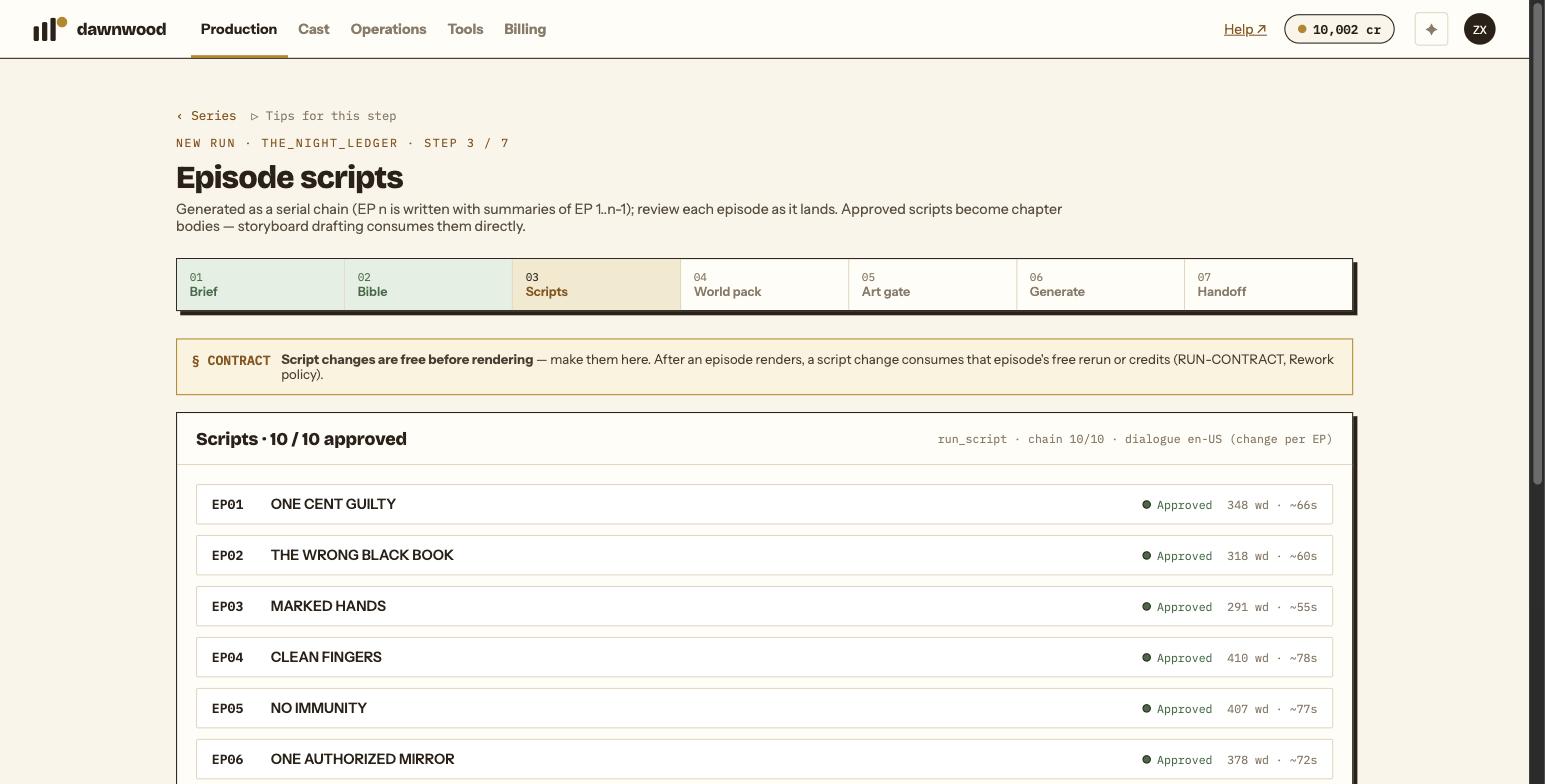
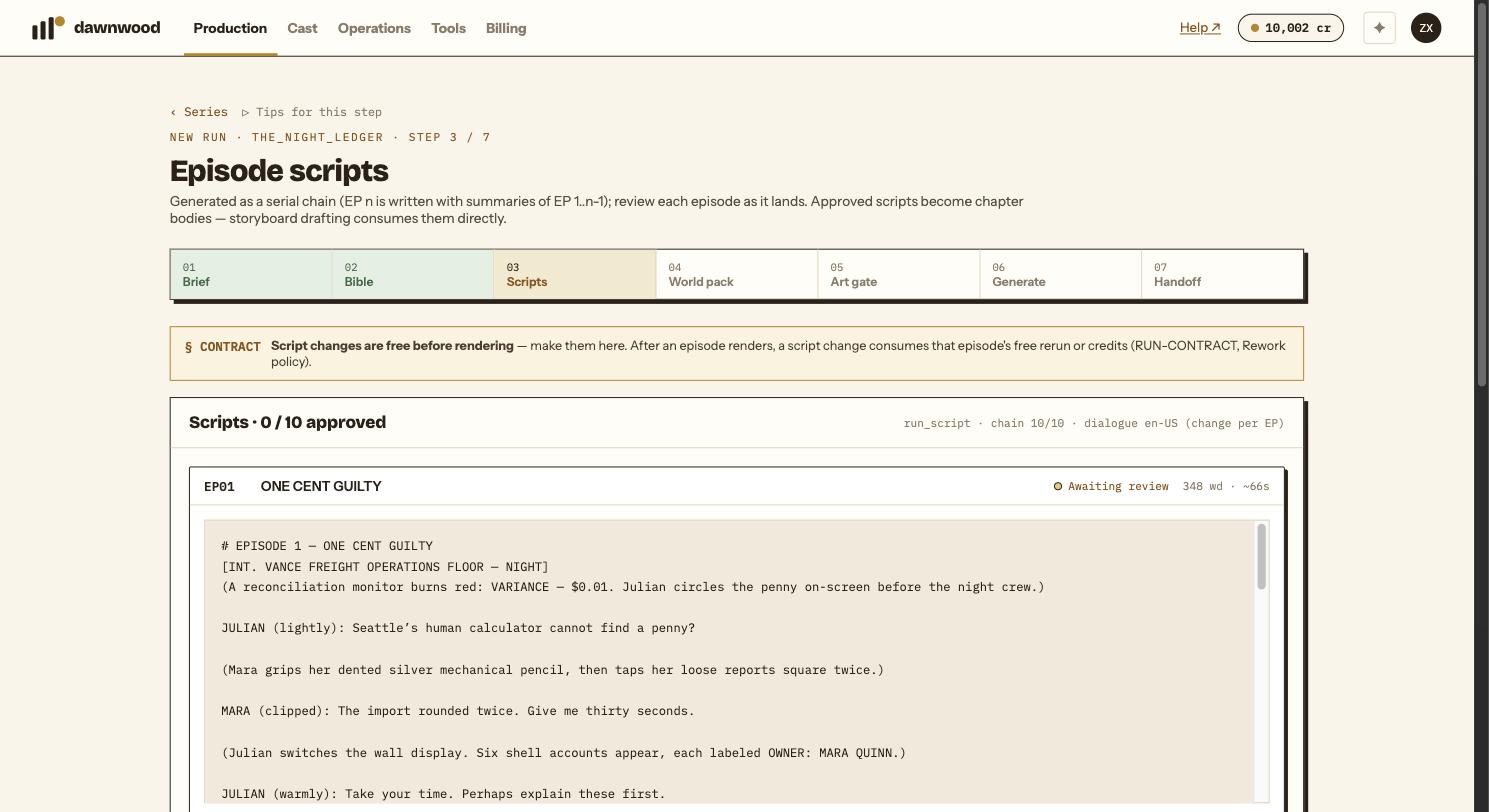
The chain writes episode one, then episode two with a summary of episode one, and so on. Each row on the scripts step shows the episode, its title, a status lamp (Queued, Generating, Awaiting review, Approved, Error) and, once written, the word count with a rough on-screen duration. Read each script as it lands; you do not have to wait for all ten.
Three ways to change an episode
- Regenerate with feedback. Type a note into that episode's box, for example "Vesh's threats are too blunt, wrap them in courtesy", and click Regenerate with feedback. Only that episode is rewritten; the others are untouched. You can also switch that one episode's dialogue language here.
- Edit directly. Opens the full text in an editor. Save edit stores a new version.
- Ask the Line Producer later, from the episode page. It proposes a full new text with a one-line summary, shown as a diff, and nothing changes until you click Apply. See what the Line Producer can do.
Approval and what it changes
Each episode is approved separately with Approve EP01 ✓. All ten must be approved before the world pack can be drafted.
Any edit or regeneration of an approved episode drops it back to Awaiting review, so re-read and approve again. Approved scripts become the chapter text that storyboards are drafted from.
What it costs
| When | Cost |
|---|---|
| Before the episode is approved | Free, as many rounds as you like |
| Regenerating an approved episode | 5 credits, confirmed in a dialog first |
| Editing an approved episode by hand | Free |
| After the episode's storyboard exists | The storyboard is marked as behind the script; re-drafting it and re-rendering the changed groups bill as renders |
The contract banner on the step says it plainly: script changes are free before rendering, so make them here.
Versions
When an episode has more than one version, chips appear above it. A pencil marks a human edit; a locale tag marks a regeneration in another language. Click a chip to read that version.
If the script changes after the storyboard was drafted
The episode page shows a notice that the body was edited after the storyboard, with the versions involved, and offers Re-draft storyboard →. Read storyboard behind script before clicking it.
Still stuck? Email support@dawnwood.ai with your account email, the series, the episode and the segment or group — see what to include.