Short answerThe script was edited after the storyboard was drafted, so the two no longer agree. Choose Re-draft from the new script and render if the change matters on screen, or Render the old storyboard as-is if it was a text-only fix. Rendering is blocked until you choose.
What the banner says
Storyboard is behind the script. Underneath: "12 groups were drafted from v9; the script is now v13." When the exact version is not known it reads "the storyboard predates the latest script edit". Then: Pick one before rendering.
The storyboard is a derived document. It was written from one version of the script; you (or the Line Producer's applied proposal, or a regeneration) later saved a newer version. Nothing is broken, but the pipeline refuses to guess which one you mean.
The two choices
- ✦ Re-draft from v13 & render. The whole storyboard is redrafted from the current script and rendered. The old storyboard is archived to the version library; groups already rendered stay on that archived copy and can still be borrowed from later. Choose this when the edit changes what happens on screen: a new beat, a different location, a character added or removed.
- Render the old storyboard as-is. Rendering proceeds from the existing storyboard. Choose this when the edit was wording, a typo, or dialogue polish that the storyboard already reflects well enough.
The Line Producer hits the same gate. It will tell you in one line which version the storyboard came from and what the script is now, offer the same two choices, and wait. It never decides this itself.
Where the same notion appears
- The Script stage shows "Body edited after the storyboard was drafted" with the versions involved and a Re-draft storyboard → link. You see the draft first; only Apply replaces the current storyboard.
- The series Scripts overview marks chapters as ✓ approved · edited and lists which episodes were edited after their storyboard.
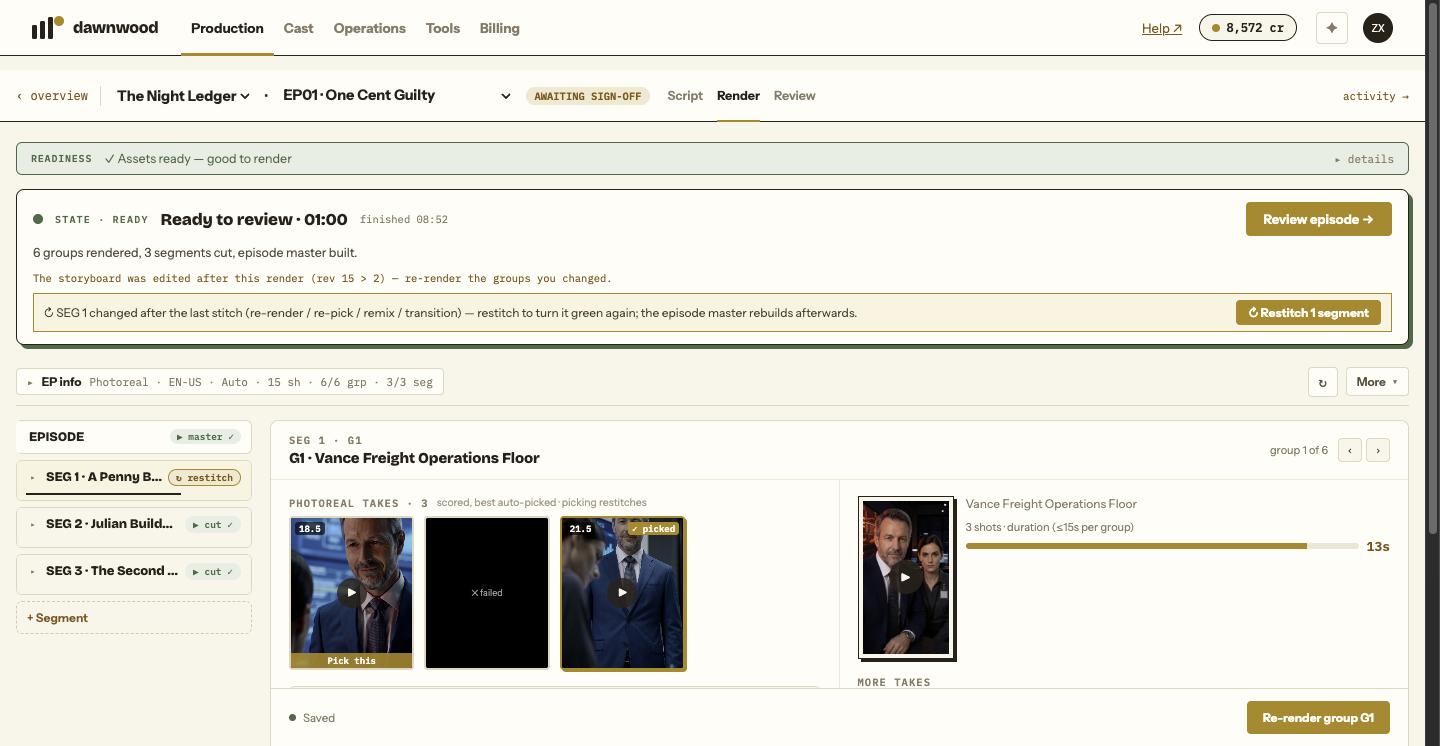
- After a render, if the storyboard itself was edited, the Render bar says "The storyboard was edited after this render (rev 7 > 5), re-render the groups you changed" and offers Render changed groups · keeps N.
Avoiding it
Make script changes on the Scripts step before the storyboard exists; they are free there. Once an episode is storyboarded, prefer asking the Line Producer to change the specific shots rather than rewriting the script, unless the story itself changes. See editing and regenerating scripts.
Still stuck? Email support@dawnwood.ai with your account email, the series, the episode and the segment or group — see what to include.