In shortA book trailer is a 30 to 60 second video that sells the question at the heart of your book, not its plot. Open on a hook in the first three seconds, show who the lead is and what they want, raise the stakes two or three times, stop on the open question, then end on a title card and one place to buy. Make it vertical (9:16) for TikTok, Reels and Shorts, put the key words on screen, label anything made with AI, and keep the buy link in your bio, description or pinned comment.
What a book trailer is for
A book trailer has one job: make someone who has never heard of your book want to know what happens. It is an advertisement, so it borrows from movie trailers rather than from book blurbs. It does not summarize the plot, and it does not need to show everything. It needs to show the question your book asks and make that question hard to scroll past.
That makes it different from a reading, a cover reveal or a "my book is out" post. Those talk to people who already follow you. A trailer is mostly for strangers, which is why the first three seconds matter more than anything else in it.
How long should a book trailer be?
For TikTok, Instagram Reels and YouTube Shorts, aim for 30 to 60 seconds. Long enough to set up a lead, a want and a threat; short enough that people reach the title card. If you only have one strong moment, a 15 to 20 second trailer that ends on the title is better than a minute of padding.
Make the main version vertical (9:16), the shape those feeds expect. If you also want one for your website or a YouTube channel page, a horizontal (16:9) version is the usual shape there.
A structure that works
Most trailers that hold attention follow the same order, whatever the genre:
- Hook, 0 to 3 seconds. One image or one line that makes a scroller stop: a threat, a confession, a slap, a contradiction. Not your name, not the title, not a slow pan over scenery.
- Who, and what they want, about 10 seconds. One character the viewer can follow, and the thing they want. Name the trope if your genre runs on tropes: enemies to lovers, a marriage of convenience, a hidden heir.
- The stakes rise, about 20 seconds. Two or three short moments, each worse than the last. Cut them tight. This is where dialogue lines and quick reactions do most of the work.
- The question, a few seconds. Stop on the moment before the answer. "Who sent the letter?" is a trailer. "She finds out it was her sister" is a spoiler.
- Title card. The title and your name, big enough to read on a phone, on screen for two or three seconds.
- Where to read it. One place to buy or borrow. One, not four.
What makes readers actually click
- The genre is obvious in seconds. A romance reader and a thriller reader stop for different things. Costume, setting, music and the first line should all say the same genre.
- Words on screen. Plenty of people watch with the sound off. Put the key lines on screen as captions or text, large and short.
- A real line from the book. One sentence in your own voice sells your writing better than a description of it.
- It looks like the book. If the cover is dark and gothic, a bright, bouncy trailer sends the wrong readers to the product page.
- No ending, no twist. Readers forgive a trailer that withholds. They do not forgive one that gives away the best moment.
- One clear next step. Put the link in your bio, the video description or a pinned comment, and say where it is on the last card ("Link in bio", "Available now on your preferred store", or your own website).
Where authors post book trailers
- TikTok, where the reading community is large and where book videos often travel by trope and hashtag.
- Instagram Reels and YouTube Shorts, the same vertical file, posted natively on each.
- Your newsletter. Readers who already like you are the most likely to share it. Link to the video rather than attaching it.
- Your website or book page. A horizontal or square version embeds more naturally on a desktop page.
- Paid ads, if you run them. A trailer that already holds attention organically is the one worth paying to show.
Post the trailer natively on each platform rather than sharing a link from one to another, and pin it to your profile while the book is new.
Free ways to make one yourself
You do not need special software. Any free video editor on a phone or computer can do all of these:
- Cover and quotes. Your cover, three or four short lines from the book or from reviews, a slow zoom on each, and music. The cheapest trailer there is, and honest.
- You, reading. Film yourself reading the hook line or the first paragraph, then cut to the title card. Authors who appear on camera often get more trust than a slick ad.
- Stock footage. Free stock video libraries have plenty of moody shots: rain on glass, a hallway, hands, a candle. Choose clips that suggest a feeling rather than show your characters, so they do not clash with how readers picture them.
- Music you are allowed to use. Use a track you have a license for, or the music library built into the platform you post on. A track from a platform's in-app library is cleared for that platform, which is not the same as being cleared for a video you upload elsewhere.
If you use AI to make any of the images, footage or voices, say so in the caption and turn on the platform's AI label. YouTube asks creators to disclose realistic altered or synthetic content, and TikTok asks for AI-generated content to be labelled.
Cutting a trailer from your own series in Dawnwood
Dawnwood is not a one-click trailer generator. It turns your book into a vertical drama series: you upload the manuscript, check the season plan and the scripts, and film episode 1. A trailer is something you cut from that real footage afterwards, so the faces, voices and scenes in the trailer are the same ones readers meet in the series. If you only want a trailer and never a series, one of the free methods above will cost you less.
If you do want the series, this is the route, with what each step costs at the rates on our pricing page when this guide was written.
- Import the book. Upload the manuscript on novel to series. Reading the book, the season plan and the scripts for episodes 1 to 3 are free. The rights questions to settle first are in how to turn your book into a short drama series.
- Film episode 1. You approve the look and the faces of your leads (character images cost 5 credits each, set images 8 credits each), then read episode 1's script and approve it. New series film in Super mode at 10 credits per second; while your 500 signup credits last, filming is charged at 5 credits per second.
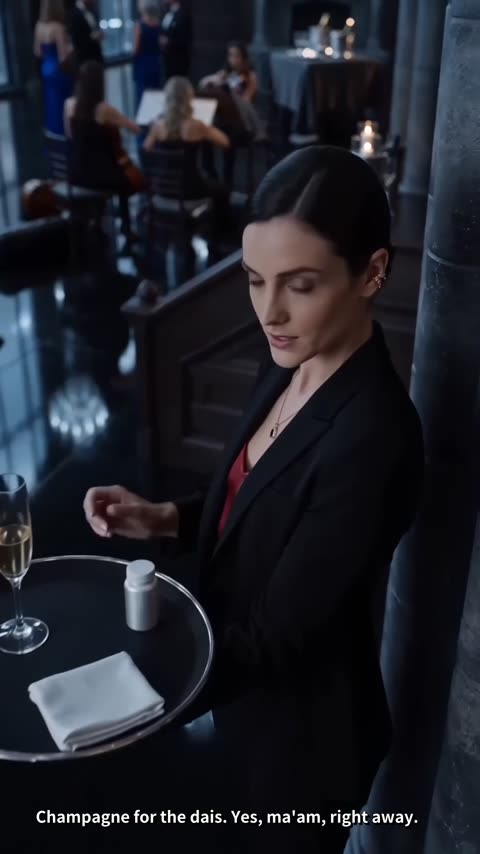
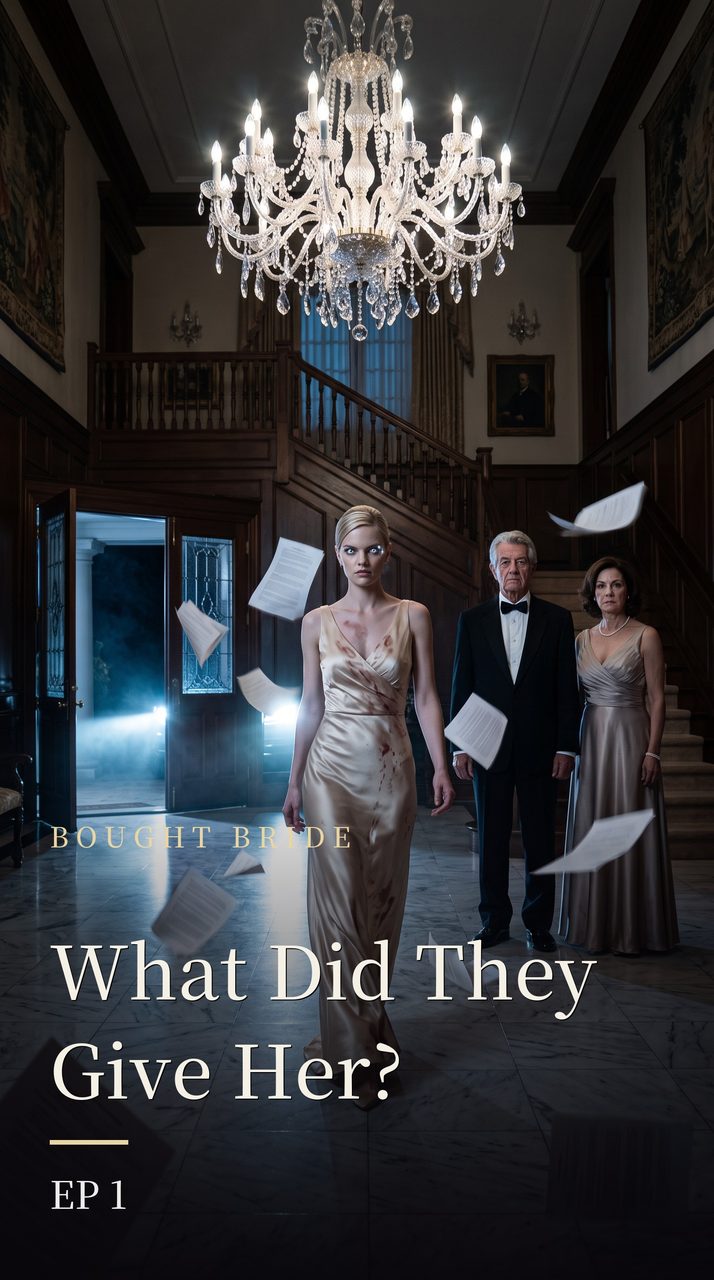
- Cut the trailer as a version. On your series page, ask the assistant for a new version that is a trailer of episode 1, for example: Make a new version with one episode, a 45-second trailer from episode 1. Open on the line where she finds the bottle, then the slap, then the doors closing. Add a 3-second card "THE BRIDE PRICE · a novel by Jane Doe" and end on a 4-second card "Read the book: janedoe.com". A version reuses footage you already rendered and builds in a few minutes. Building it is free.
- Open it and download. Once the version exists, a VERSIONS card appears on the series page just above the EPISODES list. Open it to watch the trailer and download it three ways: the master with subtitles burned in, a clean copy without subtitles, and the subtitle file. From then on, + New version (from original) on that page lets you build the next cut by hand: add pieces of footage from the list, trim each one in or out, add text cards with + card, reorder, and save it as a new version.
- Give it music. A version keeps the dialogue and the sound of the footage, but not the score and ambience mixed into your finished episode. Upload the clean copy to Tools › Auto Sound, which scores the whole trailer as one piece under the dialogue and adds effects. Your first 3 videos of up to a minute are free; after that it costs 5 credits per minute, paid from credits you bought or your plan's credits.
- Post it. In Auto Sound, Finish & post adds pop captions and a cover and posts to your own TikTok, Instagram or Facebook. YouTube is not open for posting from Dawnwood yet, so download the video and upload it yourself.
Want a single continuous scene instead of a montage? Operations › Content › Clips takes finished episodes of your series, picks the strongest self-contained moments and cuts each into a vertical clip with pop captions and an optional 3-second end card with your text and link. Choose 30 to 60 seconds as the length. It costs 1 credit per minute of source video with a 3-credit minimum, so episode 1 alone costs 3 credits. Each clip is one unbroken stretch of the episode, which makes it a teaser rather than a cut-together trailer.
What you still do by hand
- Write the cards. Text cards are white text centered on black, up to 120 characters, shown for half a second to 6 seconds. There is no card with your cover image or your photo yet; if you want the cover in the trailer, add it in a video editor afterwards.
- Type the link. No video link is clickable on these platforms, so the last card should name your website or say "Link in bio", and the clickable link goes in your bio, description or pinned comment.
- Make the horizontal version yourself. Dawnwood does not reframe a vertical series as widescreen. Its editor (in Tools) can export a 16:9 file at 1 credit per export, but the vertical picture sits in the middle with black bars on both sides.
- Start the first version through the assistant. The VERSIONS card only appears after a series has its first version, so ask the assistant for the first trailer; after that you can edit by hand.
- Label it as AI. The faces, voices and video in the trailer are generated by AI. Say so in the caption and turn on each platform's AI label, the same as for the episodes.
What it costs
| Step | Credits |
|---|---|
| Reading the book, season plan, scripts for episodes 1 to 3 | Free |
| Images for episode 1's characters and sets | 5 per character image, 8 per set image |
| Filming episode 1 | 10 per second in Super mode (5 per second while signup credits last) |
| The trailer as a version | Free |
| A teaser clip through Clips | 1 per minute of source video, 3 minimum |
| Music and effects through Auto Sound | First 3 videos free, then 5 per minute |
| A 16:9 export from the editor | 1 per export |
Nearly all of the cost is filming episode 1, which you would be doing anyway if you want the series. The trailer itself is free or a few credits. Every new account gets 500 credits once, valid for 30 days, and every paid step shows its price before you confirm it.

Film episode 1 of your book, then cut your trailer from it
Upload the manuscript you hold the rights to. Dawnwood reads every chapter and shows you a season plan you can change; reading the book, the plan and the scripts for episodes 1 to 3 cost no credits. Nothing is filmed until you approve the script, and you keep all rights to your book.
Plan my season, freeOr start from a premise