In shortDo not ask a video model to invent a fight. Start from a reference fight that already works, strip it down to motion only (a faceless 3D motion-capture version, so no actor, costume or location carries over), and give the model your characters and setting separately. The model then follows the reference's choreography, timing, blocking and camera moves with your cast. Keep each reference between 4 and 15 seconds, match your setting to the reference's shape, cast the hero and the opponents separately, and check the result side by side with the reference before you cut it in.
Why fights fall apart when you prompt them
Ask a video model for "the hero fights his way through a corridor full of guards" and you will usually get one of these:
- Contact that never connects. Fists swing past faces, and bodies fall a beat before or after the hit.
- Fighters who swap places. The hero is on the left in one second and on the right the next, or turns into one of the guards.
- A camera with no plan. It drifts, circles or zooms at random, so the viewer cannot tell who is winning.
- No rhythm. A good fight has beats: a build, a burst, a pause, a finish. A prompted fight is one long blur.
The model is being asked to do two jobs at once: invent the choreography and invent the look. It is good at the look and weak at the choreography, because a sentence cannot say where every body stands on every frame.
Step 1: pick a reference fight, then strip it to motion
Split the two jobs. The choreography comes from a reference fight that already works on screen; the look comes from you.
- Choose a short reference. 4 to 15 seconds is the range video models render in one go. Longer fights split into several pieces you render one after another.
- Match the shape of your scene. Count the fighters (one against one, one against a crowd), note the weapons and the space (a corridor, a rooftop, an open hall). A narrow corridor reference will not work well in a wide field.
- Note the beats. Write down where the hits land, where the pause is and where the camera changes. You will use this list to check the result.
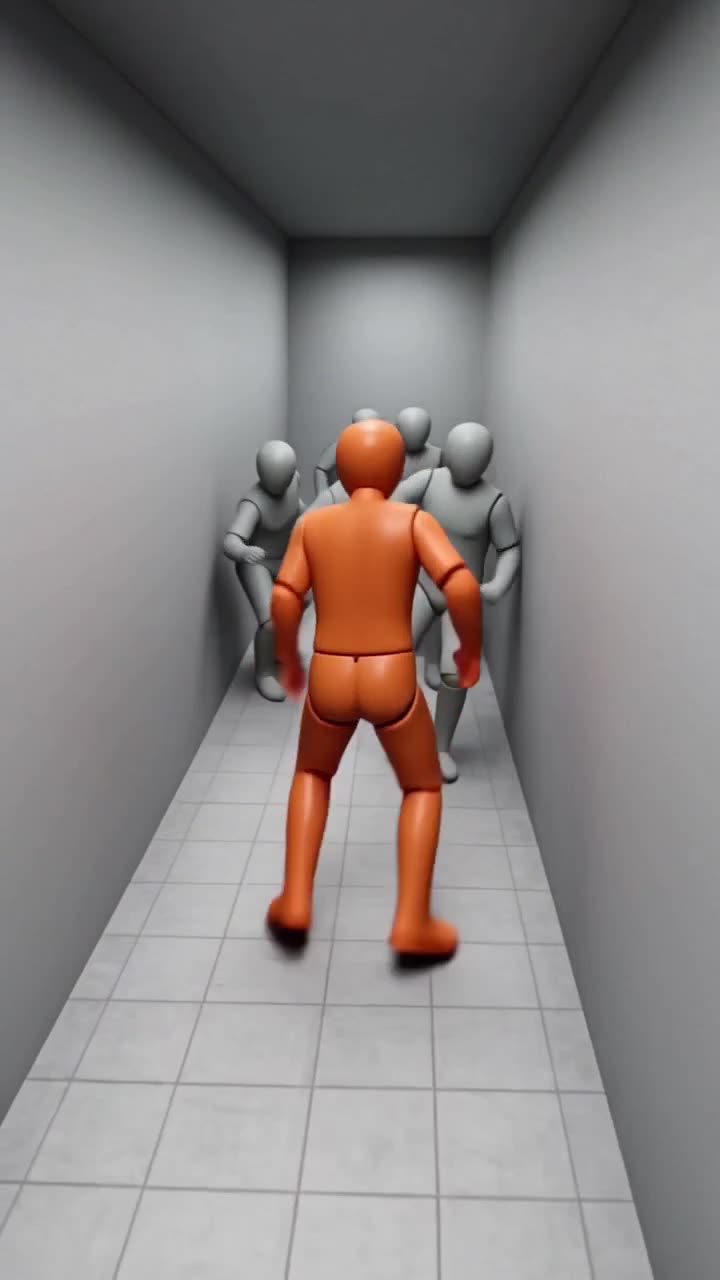
- Convert it to motion only. Turn the reference into a faceless 3D motion-capture version: plain mannequins on a plain set, one colour for your hero and another for the opponents. That keeps the choreography and the camera and throws away the original actors, costumes and location, so nothing but the motion reaches your scene.
Only use footage you own or have the rights to. Converting to mannequins removes the look, but the rights to the original clip are still yours to clear.
Step 2: cast your characters, separately from the motion
Now give the model the look, as its own input:
- One image per character. A clear, front-facing reference of your lead in costume. For opponents who should look alike, one image can cover the group.
- Hero and opponents in separate slots. Colour-coding the mannequins lets the model know which body is your lead. Put your lead in the hero slot and nobody else.
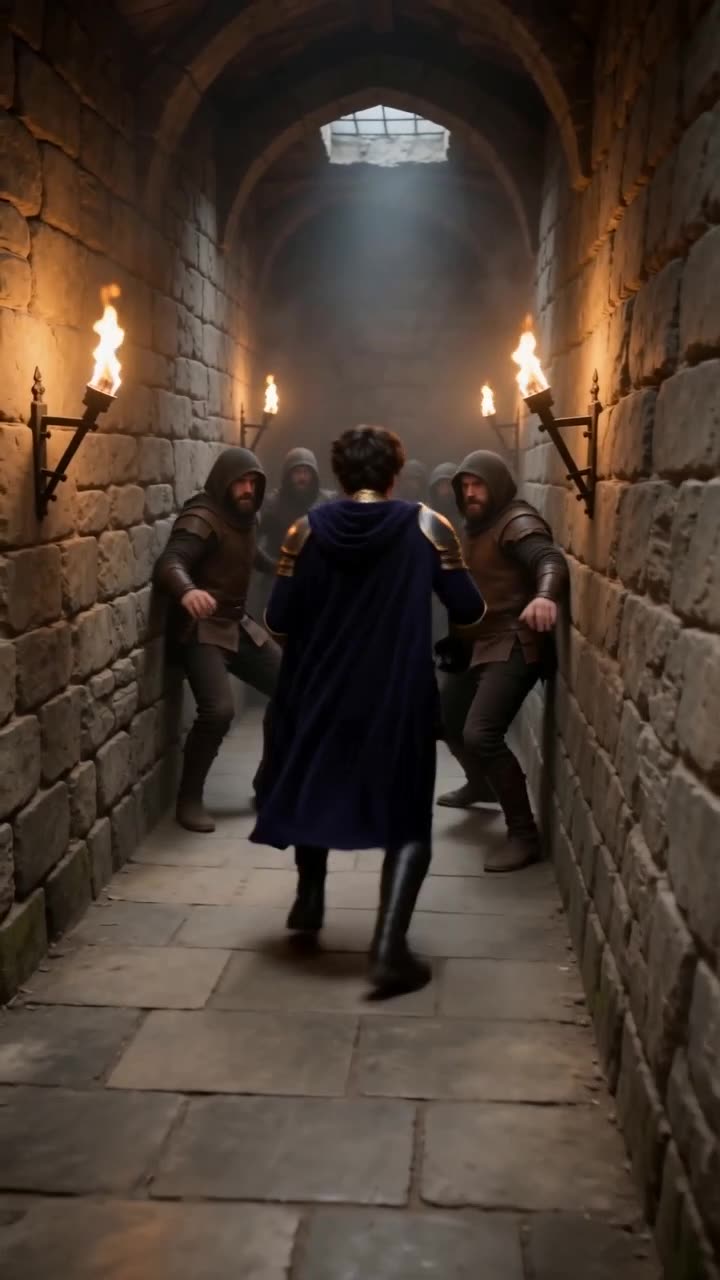
- Describe the setting and the light, not the action: "torch-lit stone corridor in a castle, night, smoke in the air". The action is already in the move. Describing it again in words invites the model to change it.
- Keep your series consistent. If the fight sits inside an episode, use the same character references you use for every other shot, so your lead looks the same before, during and after the fight.
Step 3: render, then check it side by side
Play the reference and the result next to each other from the same start point, and go down your list of beats:
- Does each hit land on the same beat? A late fall is the most common drift.
- Does the hero stay the hero? Watch for the lead swapping places with an opponent.
- Does the camera do the same thing? Pushes, whip pans and cuts should land where they land in the reference.
- Do the faces hold? Check the close-ups against your character references.
Small differences are normal, because your characters' bodies and costumes are not the shape of the mannequins. If a beat drifts badly, render again before you change anything else, then try a reference whose blocking is closer to your setting.
Step 4: cut it in and give it sound
A fight clip still needs a scene around it. Cut it in with a reaction shot before and a beat of aftermath after, so the viewer knows why the fight started and who won. Then add the sound: hits, falls, cloth, breath and a score that lifts with the burst and drops at the finish. Our guide on adding sound effects to a short drama covers that pass.
The one-tool option
Dawnwood's Action Remake does steps 1 to 3 for you. Pick a move from the library, already converted to a faceless 3D motion-capture preview with an orange hero, grey opponents and a grey set, or upload your own fight clip and it is split into moves and converted for you. Cast it with character images or characters from your series, describe the setting, and render. The result has the same choreography, timing, blocking and camera moves as the move, with your faces, costumes and setting, and the result page plays it side by side with the move. See the Action Remake page for a corridor fight before and after.
Turn a fight move into your characters' fight
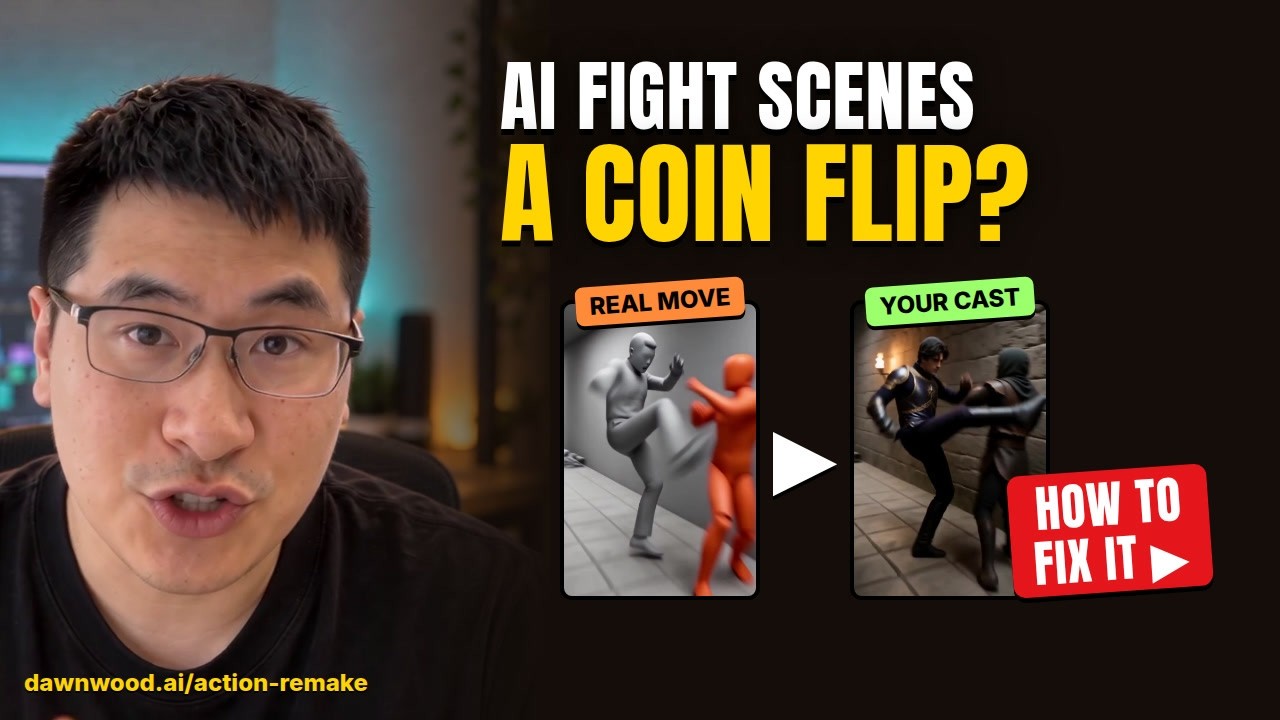
Dawnwood's Action Remake takes a fight move, from the library or from a fight clip you upload, as a faceless 3D motion-capture preview, and renders your own characters doing that exact fight: the same choreography, timing, blocking and camera moves, with your faces, costumes and setting. Compare it side by side with the move, then send it to the editor or into your drama.
Open Action RemakeOr start a series →