Short answerSign off the episodes, then build a delivery pack from the Episodes panel or the series overview. Each episode gets a master, a clean master without music, subtitle files, the cover and a project file, behind download links that stay valid for about 24 hours.
What a pack contains
For each episode: the master (the finished cut), a clean master with the music bed removed for re-scoring, SRT subtitle variants, the cover, and the project file as evidence of how the cut was assembled.
Delivery is gated on sign-off
Downloads unlock per episode once it is signed off; the whole-series pack unlocks when every episode with a cut is signed off. Trying earlier returns a message naming the unsigned episodes. This is deliberate: machine QC passing is not a release decision, you are. See what sign-off means.
Building a pack
- Series overview → Build packs (N) builds packs for all signed-off episodes. Packing takes minutes because the clean master is re-encoded; check Operations › Deliveries.
- Production › Episodes → Series pack appears once every episode is signed off, with Build pack and later Rebuild ↻.
Downloading
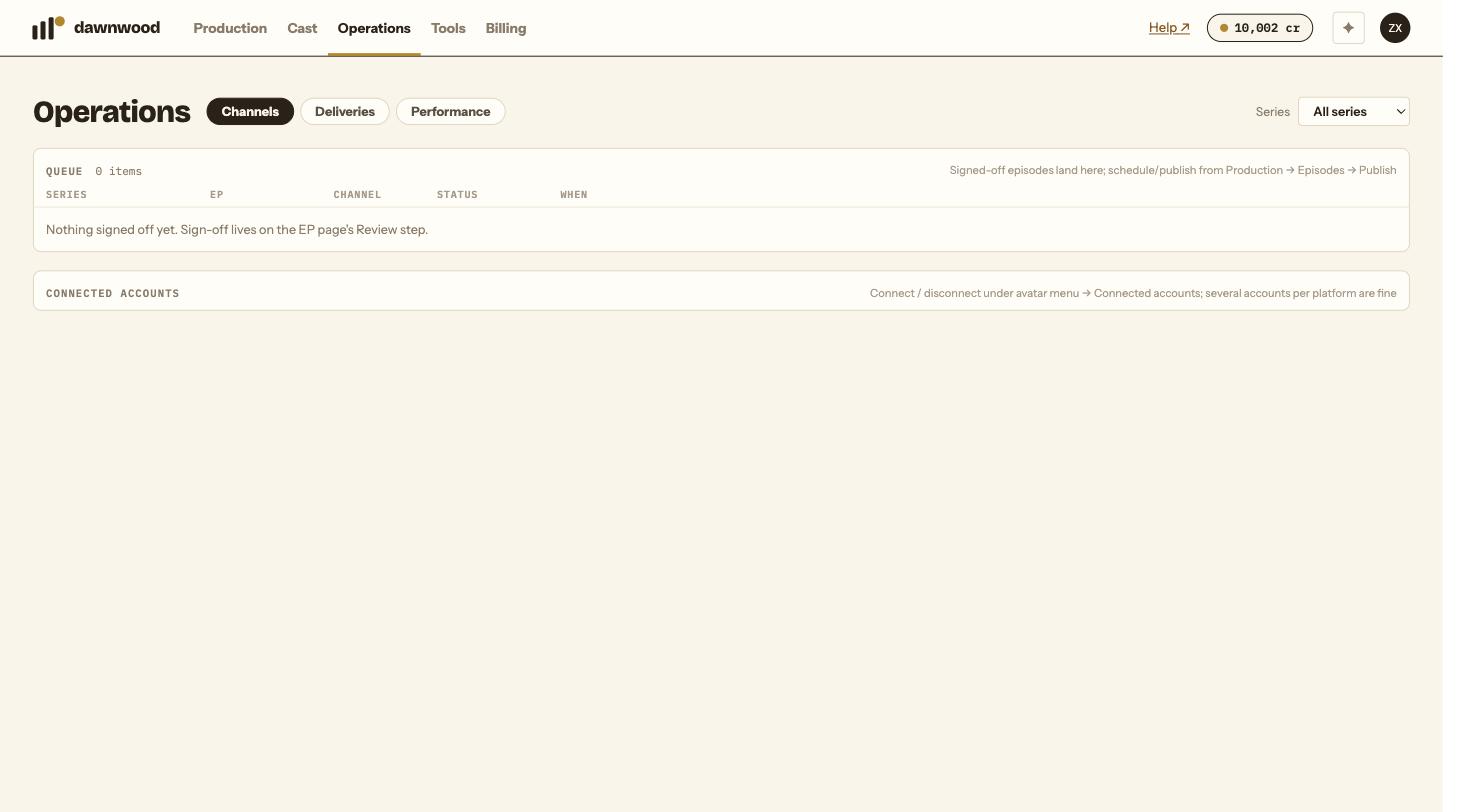
Operations › Deliveries lists each episode with what is ready: signed, master, clean, SRT, covers, project. Download pack ↓ appears when everything is there; otherwise the row says how many items are missing and where to build them (the episode page's Delivery items card).
Links are presigned and expire after about 24 hours. Come back to the page for fresh ones; nothing needs rebuilding.
Rebuilding after a change
If you re-render a group or regenerate a cover after building, the pack is stale. Click Rebuild and download again.
Still stuck? Email support@dawnwood.ai with your account email, the series, the episode and the segment or group — see what to include.