Short answerSeven wizard steps take you from a premise to a committed world pack, then episodes are storyboarded and rendered one by one. Writing is free; art and rendering draw credits, and each spend is shown before you confirm.
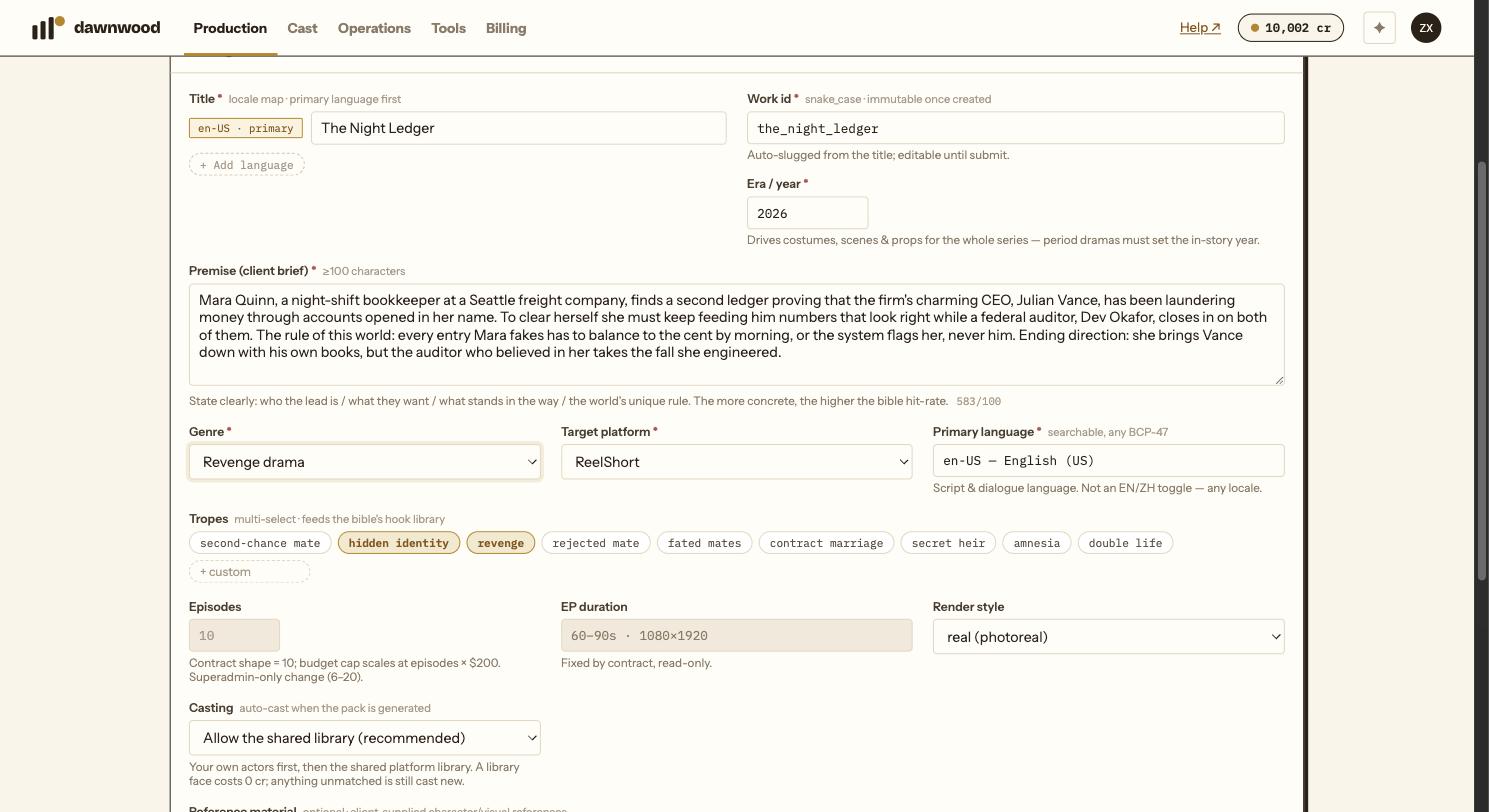
The seven steps of a run
A Series Run is one vertical short drama. The New run wizard walks you through seven steps; the progress rail shows which one you are on, and you can click back to any step you have already passed.
| Step | What you do | Credits |
|---|---|---|
| 01 Brief | Title, premise, era, genre, platform, language, tropes | Free |
| 02 Bible | Read the season bible, give feedback or edit, approve | Free |
| 03 Scripts | Read each episode script as it lands, give notes, approve | Free before approval; 5 cr to regenerate an approved episode |
| 04 World pack | Check the character, scene and prop cards, cast actors and voices, Confirm & ingest | Free |
| 05 Art gate | Tick the art you want now, see the exact credit total, confirm | The one money gate in the wizard |
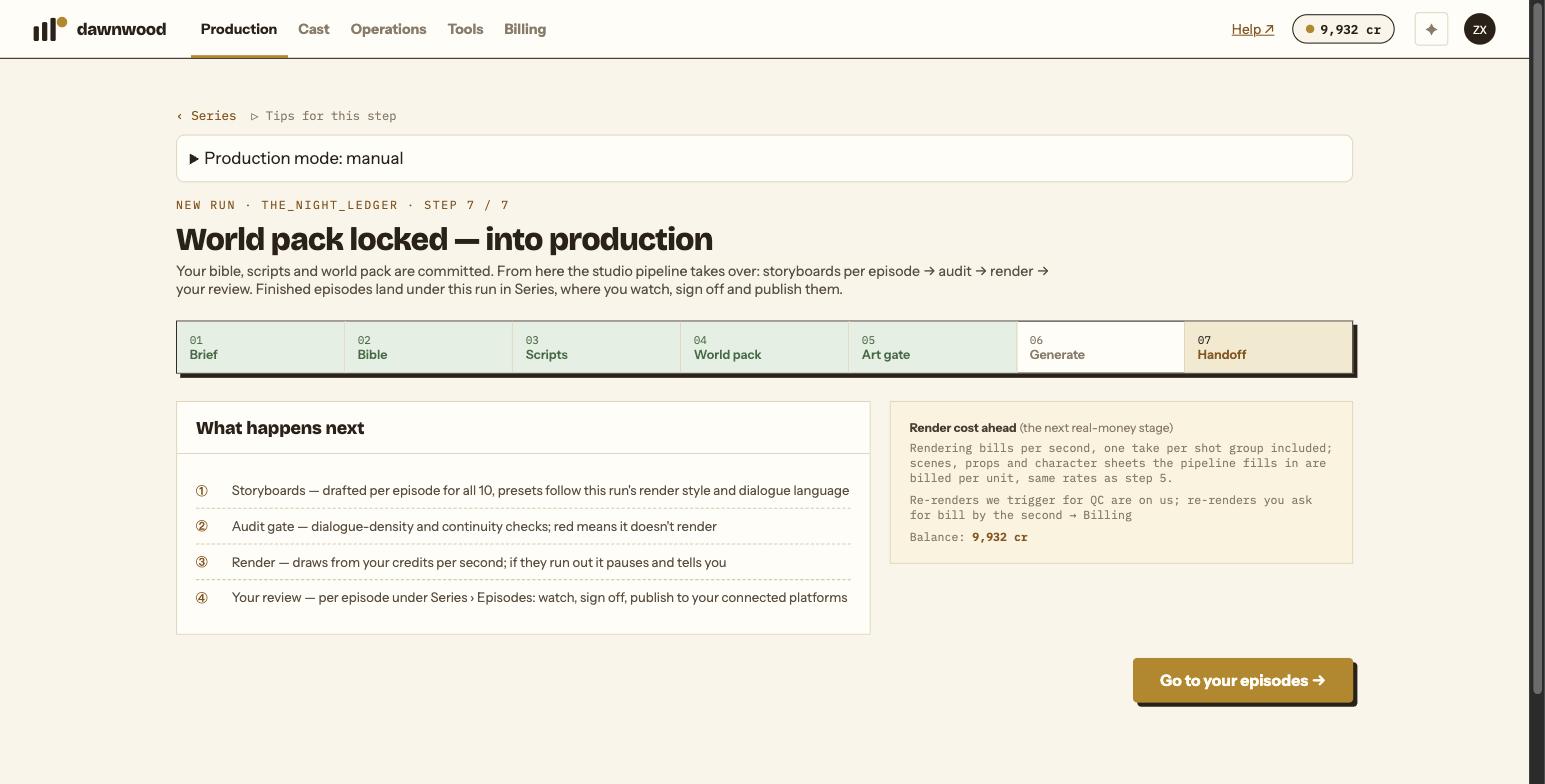
| 06 Generate | Watch the lamp board fill in; retry any failed row for free | No new charge |
| 07 Handoff | Go to your episodes | Free |
After the handoff the studio pipeline takes over per episode: storyboard, audit, render, your review. You watch each episode, fix what needs fixing, sign it off and publish it from Series › Episodes.
How long does it take?
- The bible takes one to two minutes per round. Scripts are written one after another, each with a summary of the previous ones.
- Drafting the world pack takes about one to two minutes.
- Art generation takes ten to thirty minutes for a typical pack; the page is safe to close and come back to.
- Rendering runs in the background per episode. A first segment is usually watchable within the hour; a whole episode depends on the queue and on how many fixes you ask for.
Where the credits go
Everything written is free. Credits are spent on three things:
- Art: character anchors and four-view sheets at 5 cr per image, scene sheets and carried props at 8 cr per image, a newly designed voice at 10 cr.
- Rendering: 5 to 10 credits per second depending on the engine. One take per shot group is included; further takes and fixes bill by the second.
- Extras: a regenerated cover, a language version, a script rewrite after approval.
See what costs credits and what is free for the full list, and credits and render rates for the engines.
Keep the first run small
A first series with a handful of speaking characters and six to ten locations reaches a watchable segment well inside the 500 signup credits. Every extra character is a set of anchors and a voice; every extra location is a scene sheet.
Still stuck? Email support@dawnwood.ai with your account email, the series, the episode and the segment or group — see what to include.