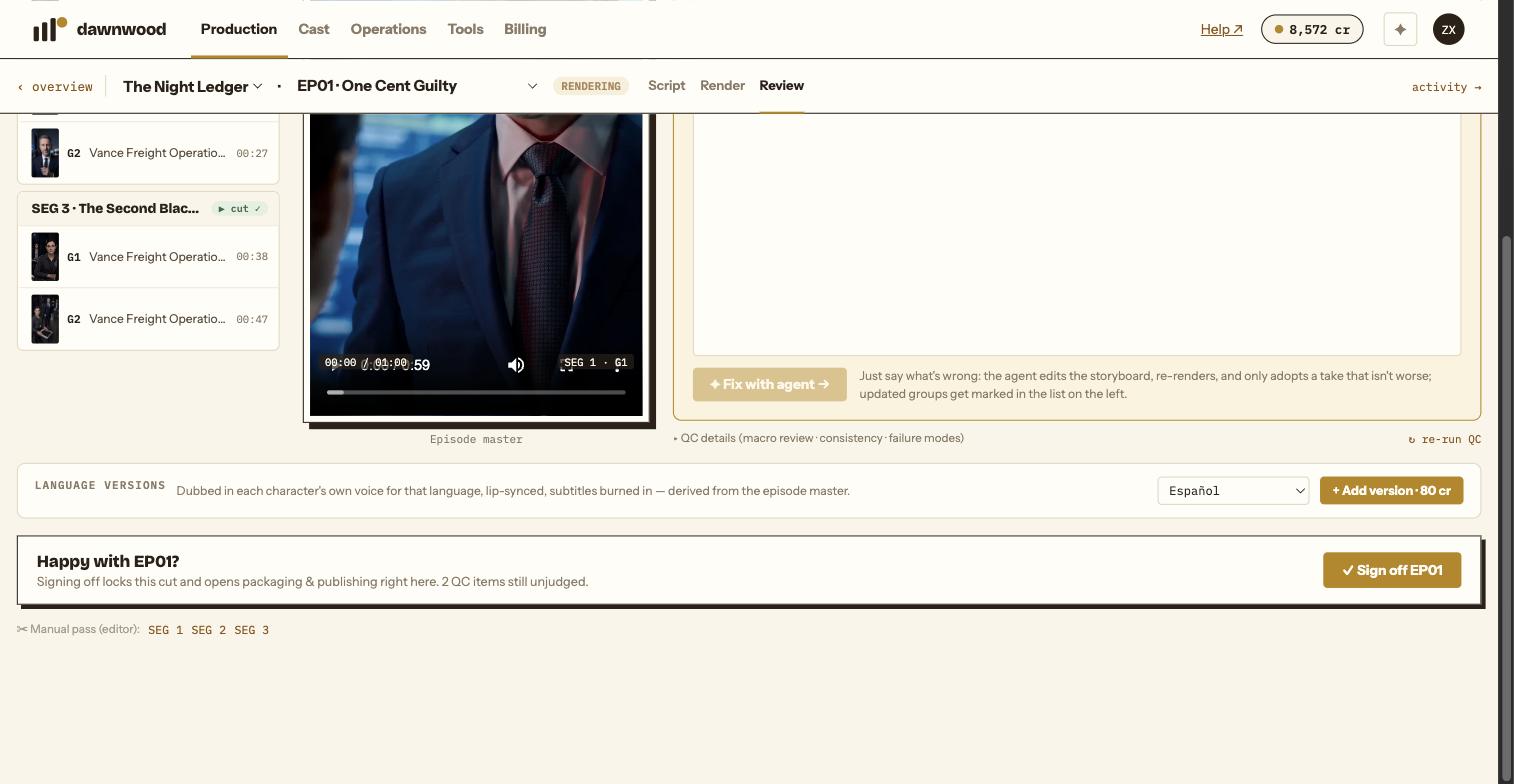
Short answerOn the Review page of an episode that already has a master, the Language versions card offers Add version at 80 cr. You get the episode dubbed in each character's own voice, lip-synced, with subtitles burned in. Sixteen languages are available; a failed version is refunded automatically.
What you get
A language version is derived from the episode master: the dialogue is translated, each character is re-voiced in their own voice speaking the new language, loudness is matched, lips are re-synced and subtitles are burned into the picture. It is a separate file next to the original master, ready to publish to a channel in that market.
Prerequisite
The episode must already have a master. The card does not appear on episodes that are still rendering or have not been stitched into a full cut. Making the version before sign-off is allowed, but any later change to the cut means the language version no longer matches it, so sign off first.
How to order one
- Open the episode and go to Review.
- Find the Language versions card under the player.
- Click + Add version · 80 cr and pick the language. Sixteen are offered: Spanish, Brazilian Portuguese, French, German, Italian, Romanian, Hindi, Indonesian, Thai, Vietnamese, Japanese, Korean, Chinese, Arabic, Turkish and Russian. The series' own language is not offered.
- The row shows a percentage while it renders, then READY.
Ordering a language that already exists warns that producing it again bills again.
Cost and refunds
One version of one episode is 80 credits, charged when you click. A version that fails shows FAILED · auto-refunded; the credits are returned to the pool they came from.
Publishing a version
A language version is published like any other cut: choose it in the publish form for the account that serves that market. Captions are not translated automatically; write the hook line in the target language.
Still stuck? Email support@dawnwood.ai with your account email, the series, the episode and the segment or group — see what to include.